Visual scripting
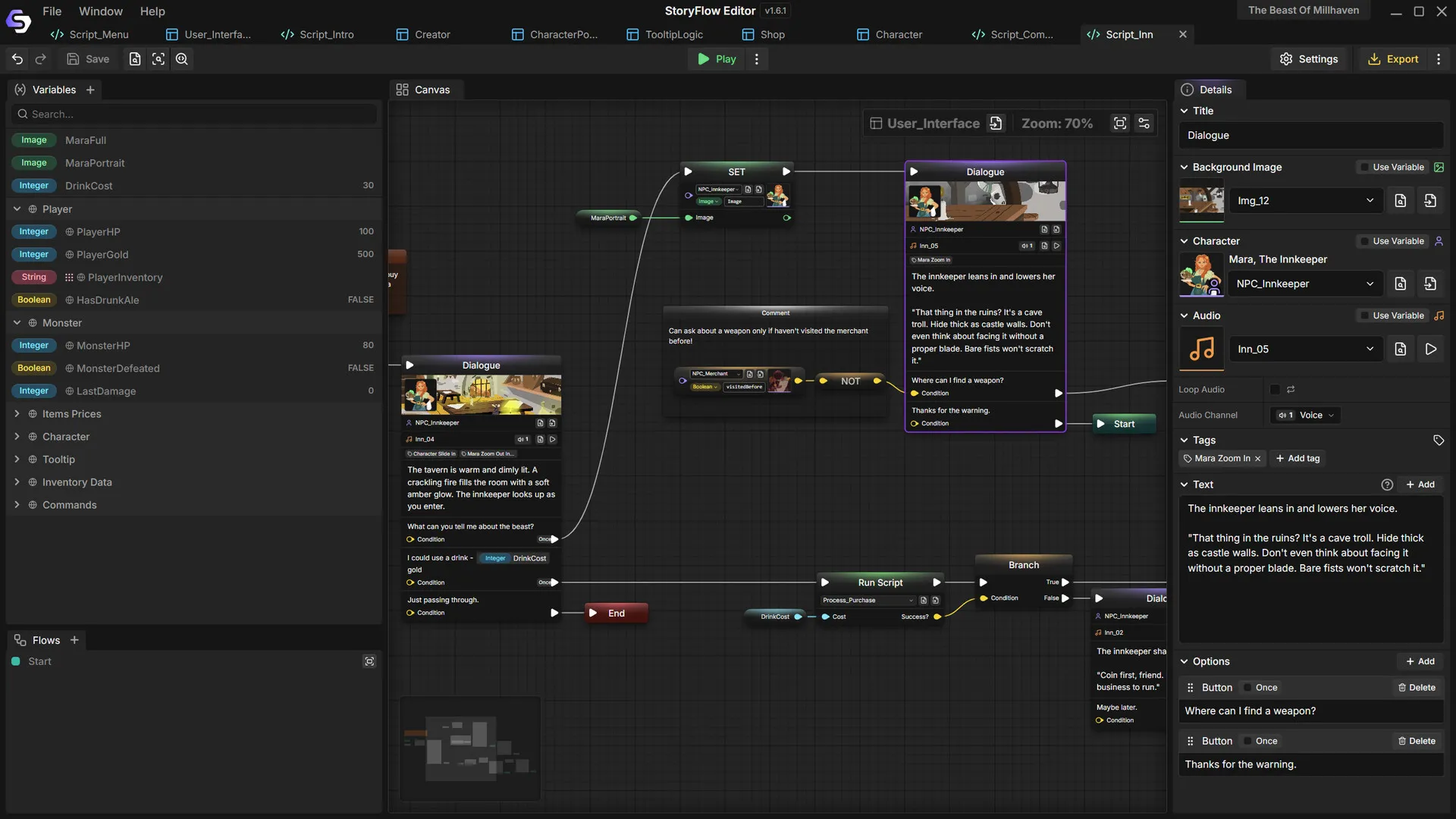
Hundreds of node types for branching dialogue, conditions, variables and loops, with no code required.
Product
 StoryFlow Editor
A narrative design tool for creating branching dialogue and interactive stories with visual scripting. Integrate them into Unreal Engine, Unity or Godot, or export complete story games as HTML or desktop apps.
Features
Hundreds of node types for branching dialogue, conditions, variables and loops, with no code required.
Design menus, dialogue boxes, HUDs and save screens with more than 270 widget and property nodes.
Play any path instantly, watch variables update, inspect the call stack and jump to active nodes.
Free, open-source plugins for Unreal Engine, Unity and Godot 4, with real-time Live Sync.
Ship a standalone HTML game, a desktop app, or JSON data for your own engine and pipeline.
Nine variable types, arrays and characters with custom data for dynamic, reactive dialogue.
Production
Game data, translations, voiced lines and early planning live next to your story, in the same project and the same engine plugins.
Typed tables for items, stats and quests that your story and your engine code both read. Import and export CSV or Excel.
Learn more ↗Every line players can read is gathered into one table. Translate it in place or send a spreadsheet to a translator.
Learn more ↗The free engine plugins move a character's mouth from the voice audio of each line, MetaHumans included.
Learn more ↗A freeform board for planning: notes, characters and references as cards, linked to the files they describe.
Learn more ↗UI editor
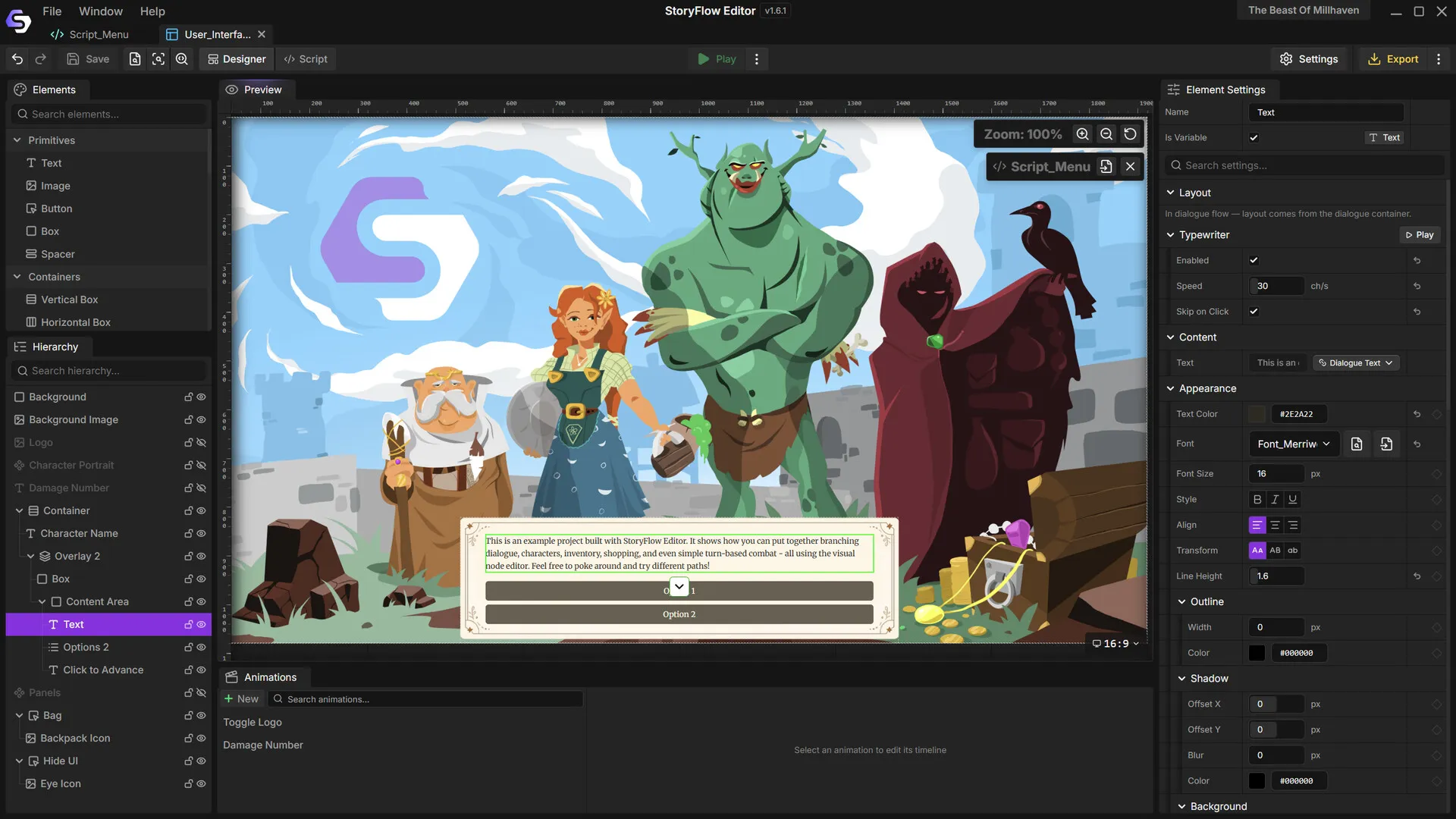
Build menus, dialogue boxes, inventories and save screens visually, style every element and see the UI running inside your story.
Logic
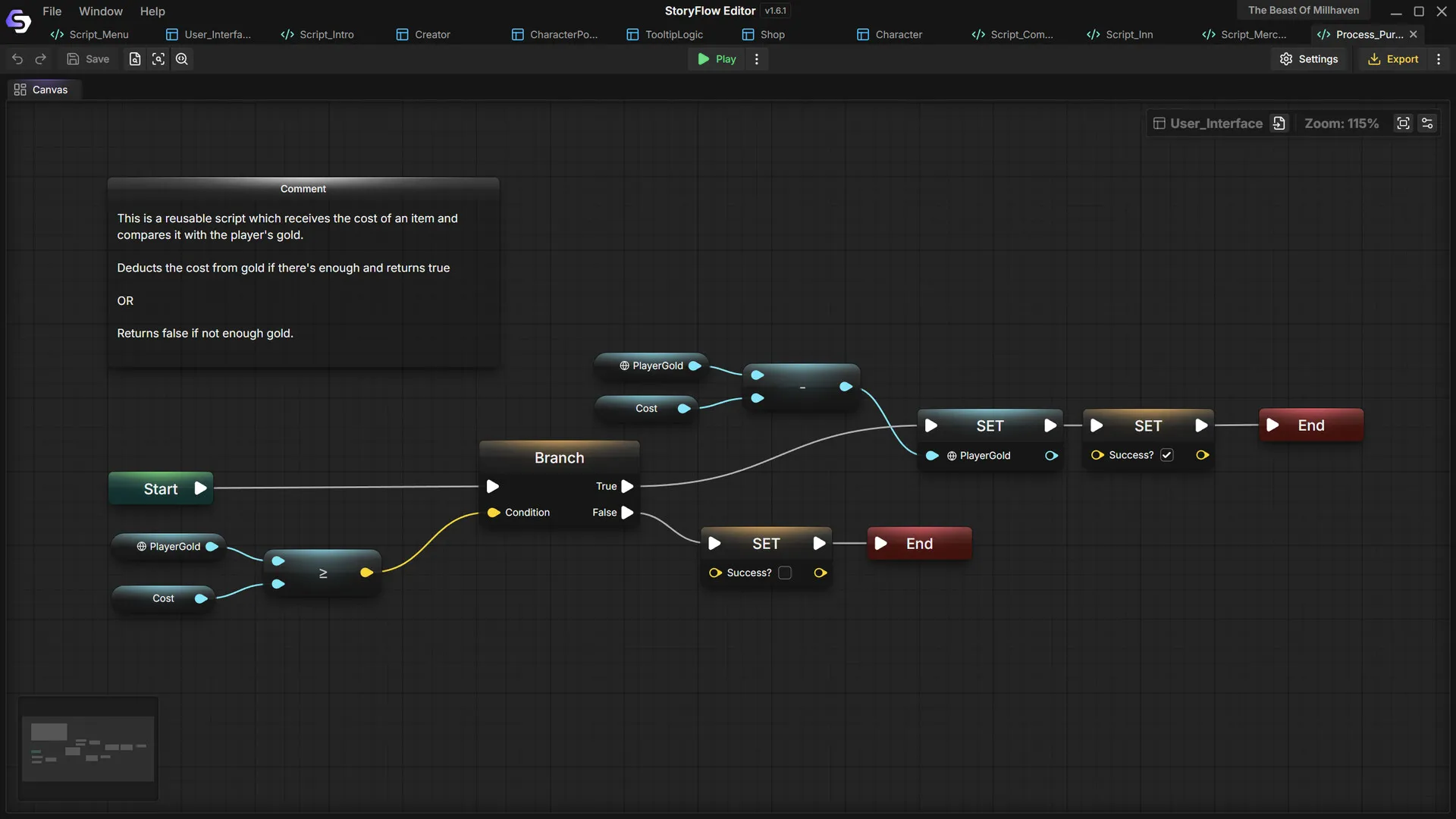
Track choices, build shops, inventories and relationship systems, and reuse scripts across your project.
Export
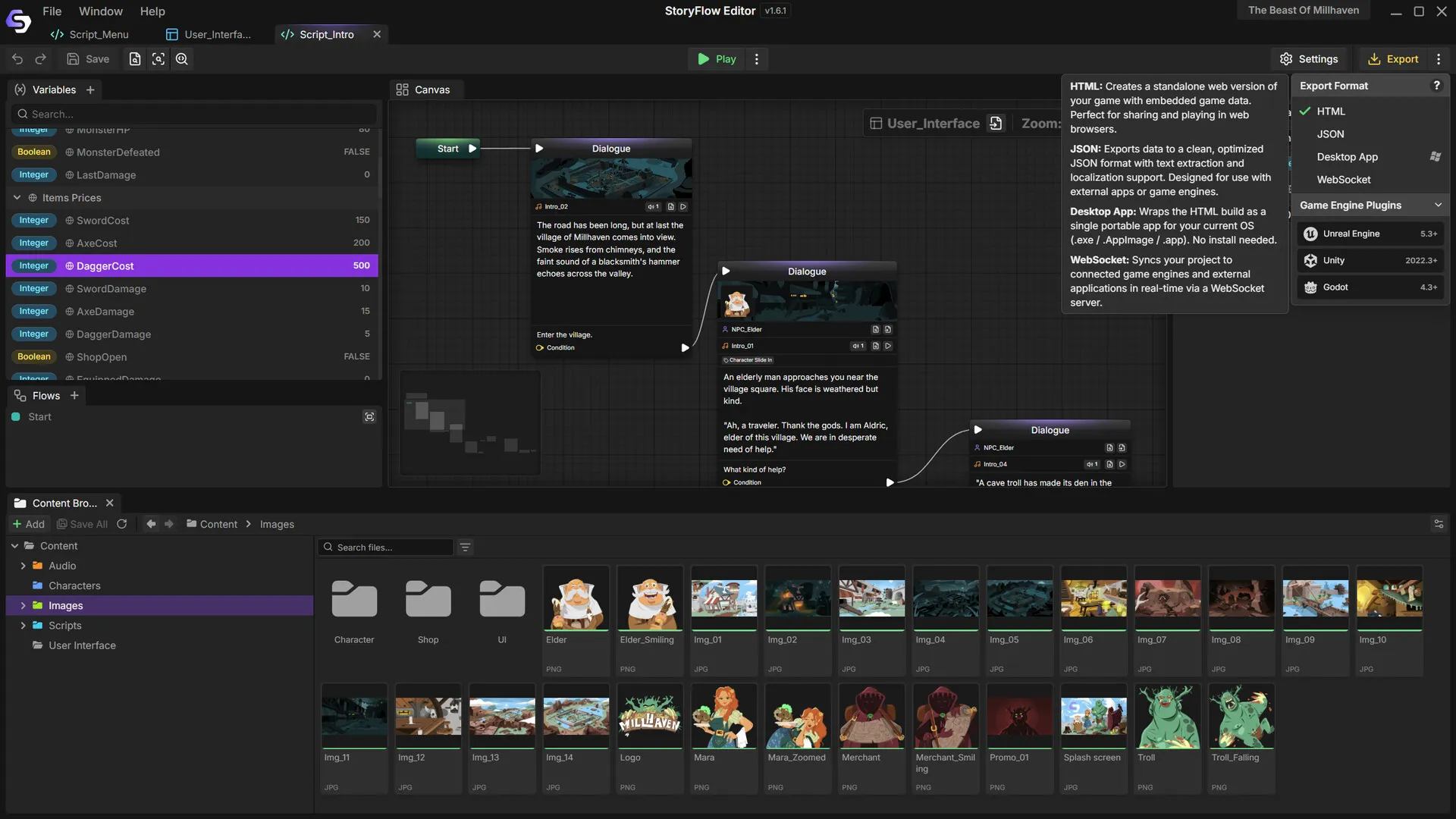
Export a playable HTML file or desktop app for itch.io and beyond, or send JSON to Unreal Engine, Unity and Godot.
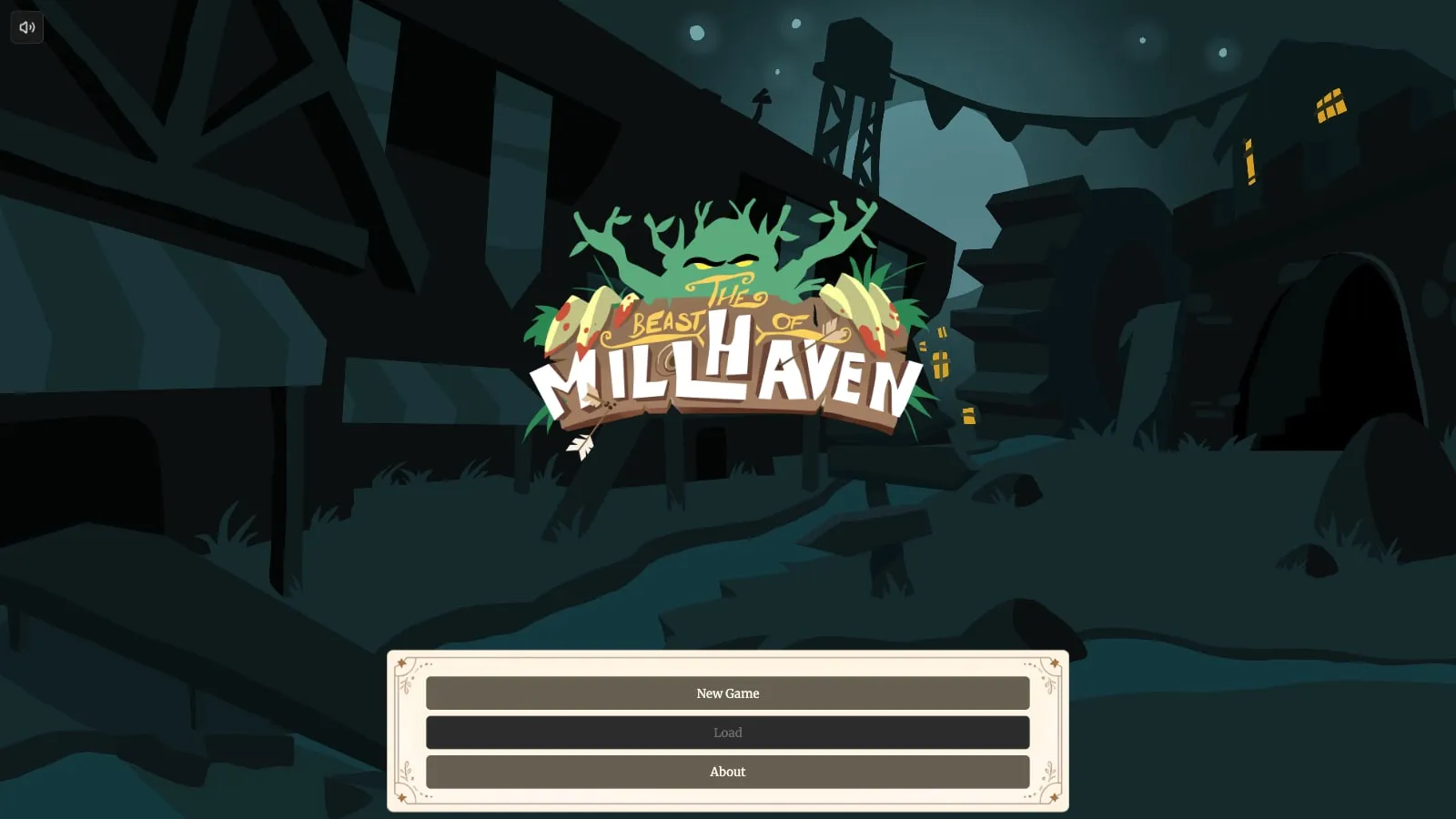
Made with StoryFlow
The example game that ships with StoryFlow Editor: a village under siege by a cave troll, a merchant, an inn, quests and turn-based combat, all built with visual scripting and no code.
Engine integration
Every plugin includes variable management, character and audio systems, a built-in dialogue UI, JSON importing and real-time sync. Edit dialogue in StoryFlow and see changes in your running game.
Full Blueprint and C++ support, runtime component, save and load, Live Sync.
Native C# integration, event-driven API, custom inspector, Live Sync.
Pure GDScript, typed signals, autoload singleton, Live Sync.
Desktop-first
Your data stays on your machine. No cloud dependency, subscription or account.
Project files are text-based JSON that work with version control.
Runs on Windows, macOS and Linux.
Handles complex projects with hundreds of nodes smoothly.
Community
“Feels like Blueprints but for narratives – picked it up pretty fast.”
Talk to the developers, share your projects and vote on new features in our Discord.
Join the Discord ↗FAQ
Writers, narrative designers and game developers who want to lay out a branching story as a graph they can see and play, instead of tracking it across documents and spreadsheets. You can build a complete story game in it on your own, and indie studios use it as the writing and dialogue layer of games in production.
No. Dialogue, choices and game logic are nodes you connect on a graph, and you can play any branch inside the editor as you write. The Beast of Millhaven, the example game that comes with StoryFlow, was made this way without a line of code.
The editor runs on Windows, macOS and Linux. Free plugins bring your story into Unreal Engine, Unity and Godot 4. For another engine, export JSON and load it with your own code, or skip the engine entirely and export a finished game: an HTML file that runs in any modern browser, or a desktop app.
No. Once installed, StoryFlow Editor works fully offline, with no account or subscription. Your projects are ordinary files on your computer, so you decide where they live and how they are backed up.
Yes. Projects are stored as text-based JSON, so they can live in Git, or any version control you already use, next to the rest of your game. Writers branch and merge their work the same way programmers do. Licenses are per person, so everyone who opens the editor needs their own copy.
The engine plugins are. They are MIT-licensed and public on GitHub, so you can read them, change them and ship them in any game, commercial ones included. The editor itself is a paid app, and its code is not public.
Enforge Lab: it is our first product. StoryFlow Editor launched on Steam in November 2025 and shipped 27 releases in its first year, guided by feedback from the community on Discord. Our About page has the full timeline.
StoryFlow Editor is available on Steam for Windows, macOS and Linux.